Stay informed about the places that matter.
Follow local alerts, choose the areas and topics you care about, and share local reports for review.
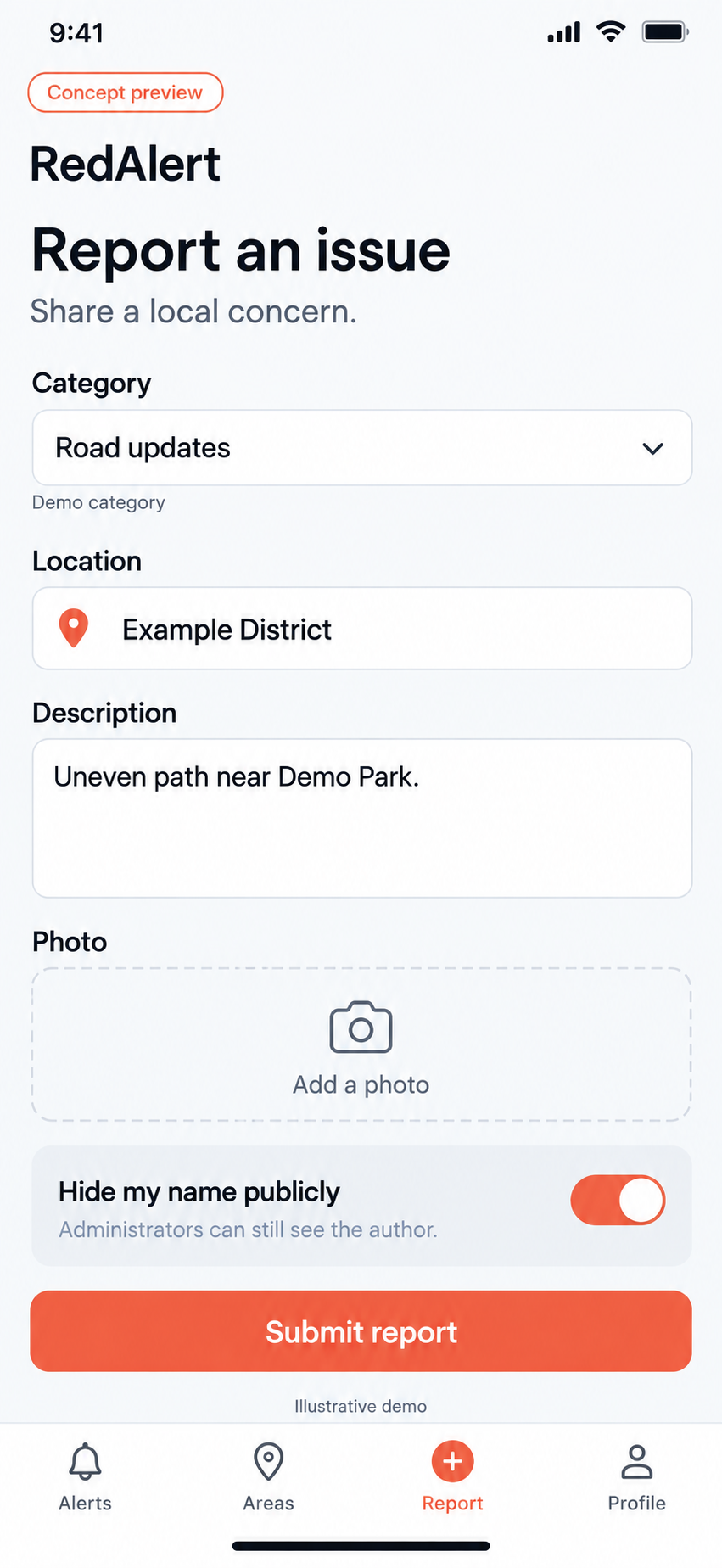
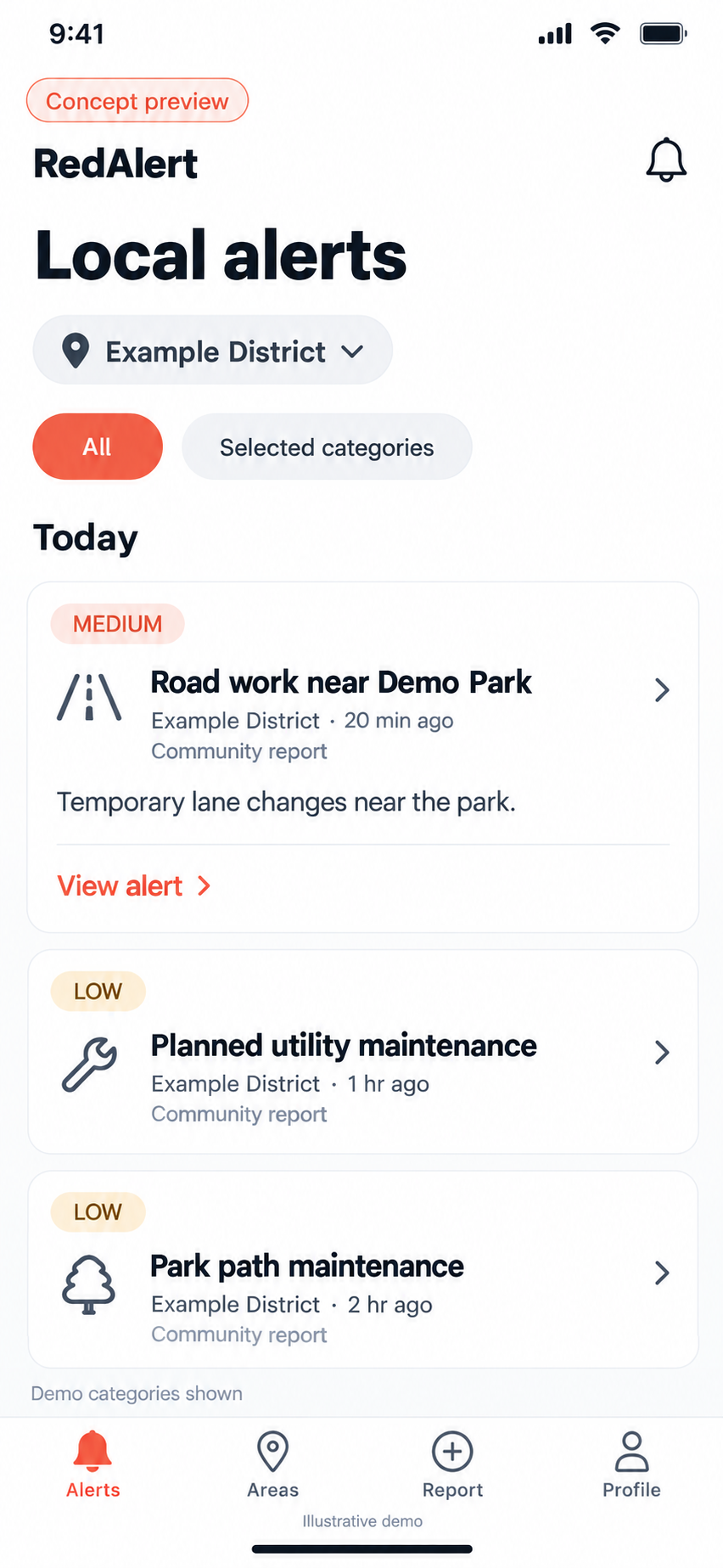
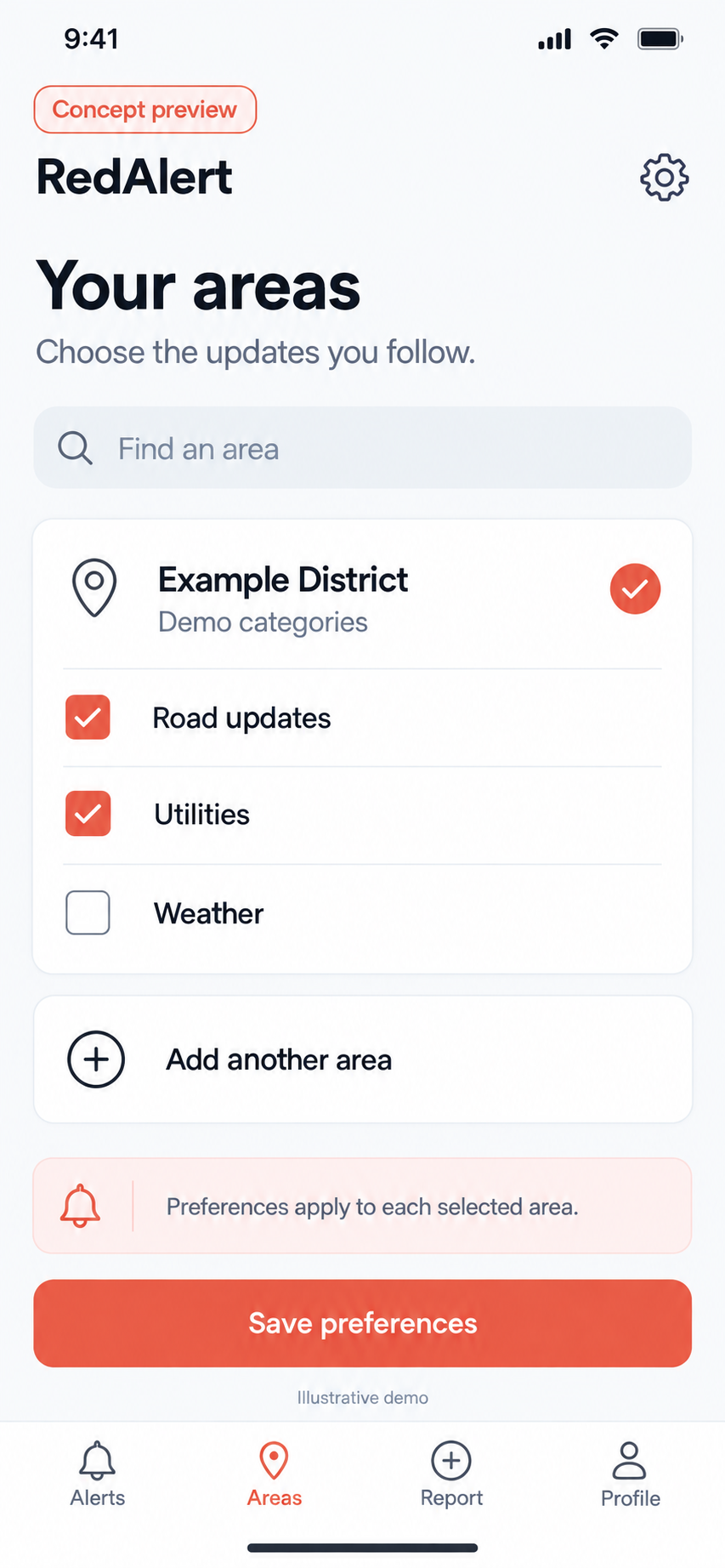
Pick your places. Then your topics.
Choose the areas you want to follow — around home, a school, a relative’s street. Within each area, choose the alert categories you care about.
- 1
Add the areas you follow
Each place you add has its own settings.
- 2
Choose topics for each area
Keep what’s useful in one place and different topics in another.
Every alert, with context.
Open an alert to see where it applies, who it came from, when it was issued and how serious it is — plus any details that are available.
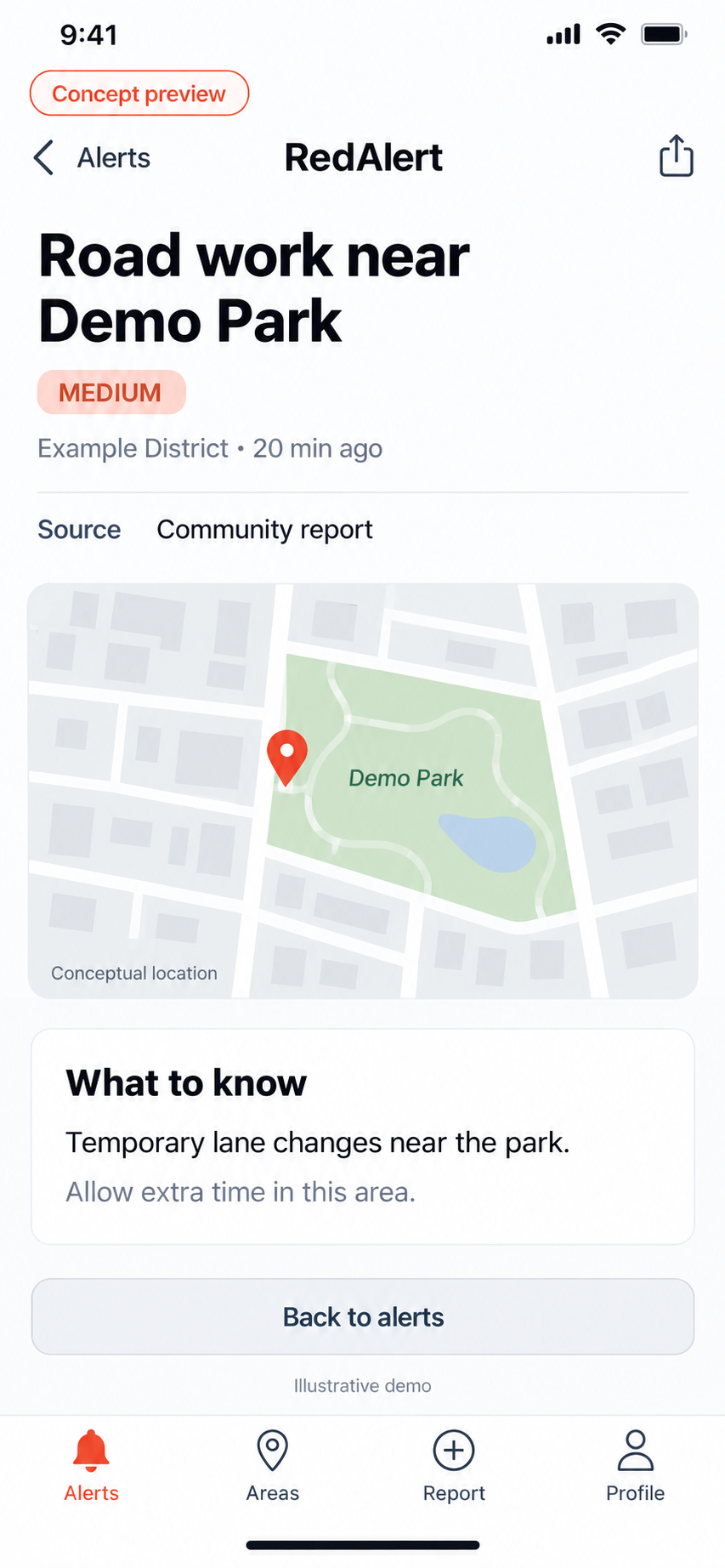
Location
Which of your areas the alert covers.
Source
Who the alert came from.
Time
When it was issued, so you know how recent it is.
Severity
How serious it is, at a glance.
Details
More information, when the alert includes it.
Noticed something nearby? Report it.
Send a report with its location and supporting media so administrators can review it.
- 01
Add details and location
Describe what you’re seeing and confirm where it is.
- 02
Attach supporting media
Add a photo that helps explain the report.
- 03
Submit for review
Administrators review each report. Submitting one doesn’t automatically publish an alert.
Your name, your choice
You can hide your name from public view on a report. Authorized administrators can still see who sent it.
RedAlert isn’t an emergency service. In an emergency, call 911.
Good to know.
How do I choose what I get alerts about?
Add the areas you want to follow, then choose the alert categories for each one. Your alerts reflect those selections, and you can change them any time.
What happens after I send a report?
Your report, with its location and any media you attached, goes to administrators for review. Sending a report doesn’t automatically publish an alert.
Will my name appear on my report?
You decide. You can hide your name from public view. Authorized administrators can still see who submitted the report.
Your places. Your topics. Your reports.
Get local alerts for the areas you follow, and share what you notice for review. For iPhone and Android.